Mac and Windows keyboard shortcuts
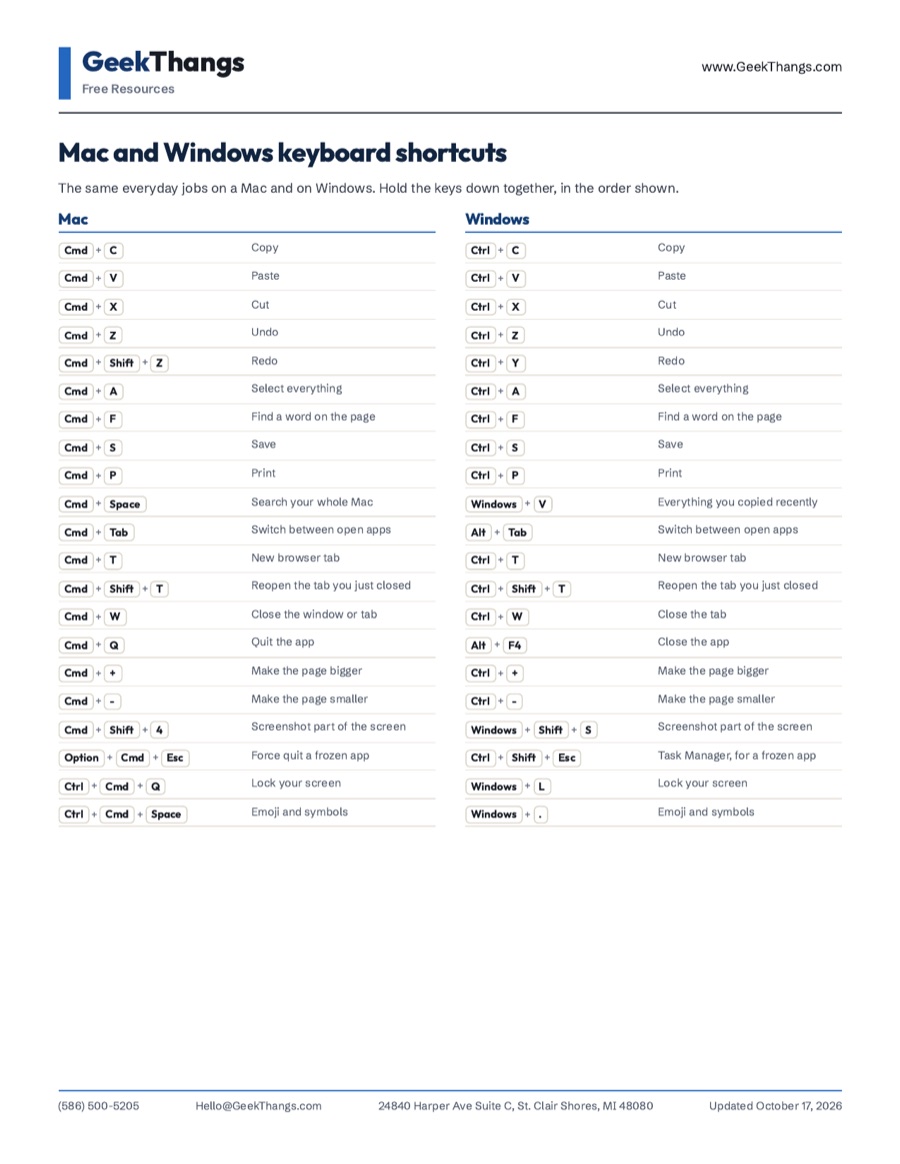
The same everyday jobs on a Mac and on Windows. Hold the keys down together, in the order shown.
GeekThangs
Free Resources
www.GeekThangs.com
Mac and Windows keyboard shortcuts
The same everyday jobs on a Mac and on Windows. Hold the keys down together, in the order shown.
Mac
- Cmd C Copy
- Cmd V Paste
- Cmd X Cut
- Cmd Z Undo
- Cmd Shift Z Redo
- Cmd A Select everything
- Cmd F Find a word on the page
- Cmd S Save
- Cmd P Print
- Cmd Space Search your whole Mac
- Cmd Tab Switch between open apps
- Cmd T New browser tab
- Cmd Shift T Reopen the tab you just closed
- Cmd W Close the window or tab
- Cmd Q Quit the app
- Cmd + Make the page bigger
- Cmd - Make the page smaller
- Cmd Shift 4 Screenshot part of the screen
- Option Cmd Esc Force quit a frozen app
- Ctrl Cmd Q Lock your screen
- Ctrl Cmd Space Emoji and symbols
Windows
- Ctrl C Copy
- Ctrl V Paste
- Ctrl X Cut
- Ctrl Z Undo
- Ctrl Y Redo
- Ctrl A Select everything
- Ctrl F Find a word on the page
- Ctrl S Save
- Ctrl P Print
- Windows V Everything you copied recently
- Alt Tab Switch between open apps
- Ctrl T New browser tab
- Ctrl Shift T Reopen the tab you just closed
- Ctrl W Close the tab
- Alt F4 Close the app
- Ctrl + Make the page bigger
- Ctrl - Make the page smaller
- Windows Shift S Screenshot part of the screen
- Ctrl Shift Esc Task Manager, for a frozen app
- Windows L Lock your screen
- Windows . Emoji and symbols
Before You Start
- Windows + V keeps a list of what you copied, but Windows asks you to turn it on the first time you press it.
- Reopening a closed tab works in Chrome, Safari, Edge and Firefox.
- On a Mac, Cmd is the key with the ⌘ symbol, right beside the space bar.
Want one made for your team?
Tell us the software your business runs on, and we'll send back a sheet for it.
Based in St. Clair Shores, working across Metro Detroit.