Web apps your team logs into.
Software behind a login that holds your records and runs the day-to-day work.
- Accounts and roles, so people see what they should
- Your records in one searchable place
- Runs in a browser, on a phone too
Most teams outgrow the spreadsheet the same way.
There's a spreadsheet three people edit, a folder of PDFs nobody can search, and one person who knows where everything is.
A web app turns that into accounts, records and screens, so the business stops running on one person's memory and the version of the file that happened to be open.
We build these for small businesses around Metro Detroit. It's a bigger job than a website, and in return the business keeps working the week that person is away.
What Comes With a Web App
-
Accounts and roles
People see what they should and change only what they should.
-
Records in one place
Searchable, instead of five spreadsheets and a folder.
-
Screens built around the job
The ones your team opens on a Tuesday morning, built around how the work runs.
-
Runs in a browser
Nothing to install, and it works on a phone.
-
Your data, when you ask
Exported in a format something else can read.
Describe the spreadsheet, and we'll tell you whether it needs software.
Start a ProjectWhat One Looks Like
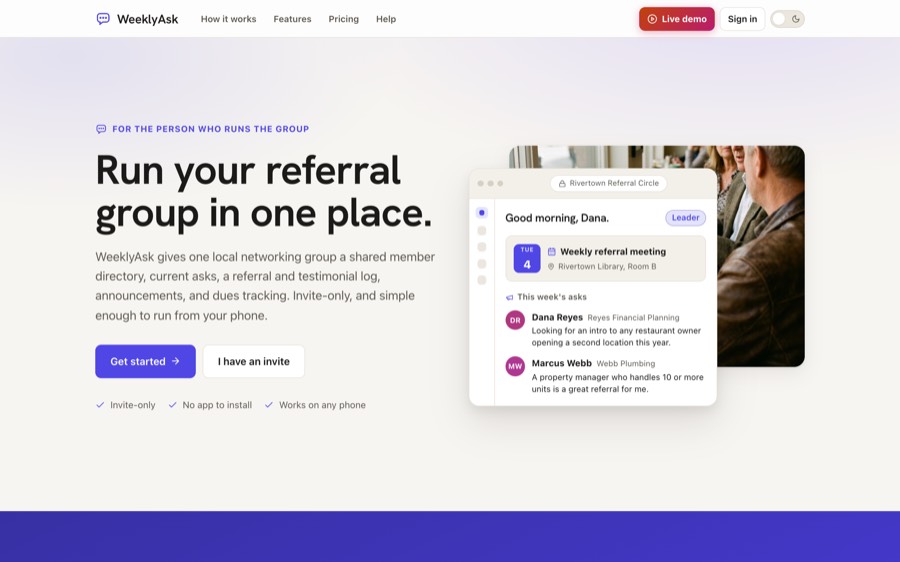
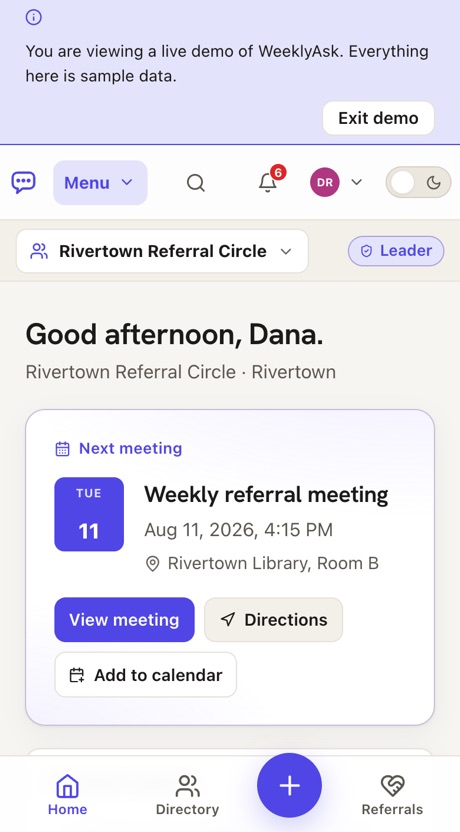
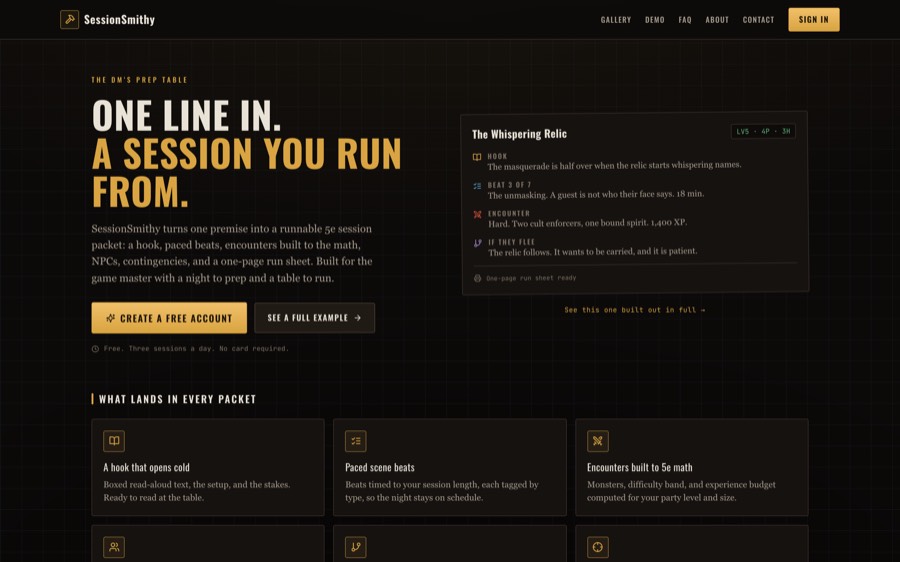
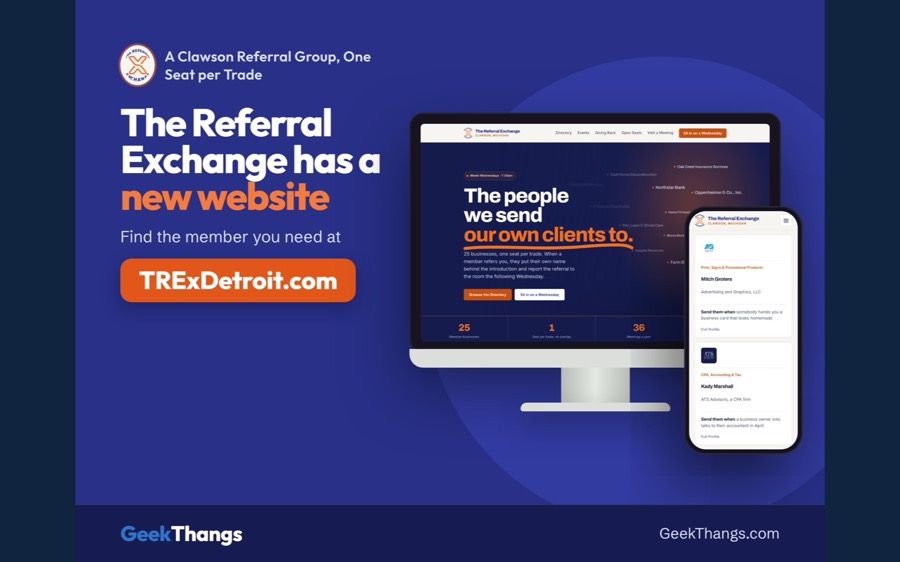
A web app we built and run ourselves. The link under the picture opens the live app.
How each one was built: WeeklyAsk, SessionSmithy and PokerThangs.

How an App Comes Together
A small first version, real users early, and it grows from what they do.
We watch the current way
The spreadsheet, the folder, the person who knows. What the software has to replace is whatever they're doing by hand.
We agree on the smallest useful version
One job it does well, named out loud, rather than a feature list nobody has used yet.
You use it before it's finished
Real accounts and your real records, early. What people click decides what gets built next.
It grows with what you learn
Once your team has used the first version, the next round gets planned from what happened.
When the Spreadsheet Should Stay
Not the right fit if software you can buy already does it. Sometimes the better answer is an off-the-shelf tool and an afternoon setting it up, and we would rather tell you that than build a worse version of it.
Not sure which one you need? Tell us the problem and we'll say which one fixes it.
All Services, Side by Side
Common Questions
Do we have to move everything over at once?
No. The first version does one job well, and the rest of the business keeps running the way it does now until that job is proven.
What happens to the spreadsheet?
It gets imported, so nobody retypes it. Once the app holds the records, the spreadsheet stops being the place people look.
Does it work on a phone?
Yes. It runs in a browser, so there's nothing to install and it opens on whatever people already carry.
Who can see what?
You decide. Accounts and roles set who sees which records and who is allowed to change them.
What if we outgrow it?
The first version is built to be added to. When your team wants more, we plan the next round from how they used it, and if you ever want to leave, your records export in a format any other tool can open.
Other Services
Each one has its own page.
-
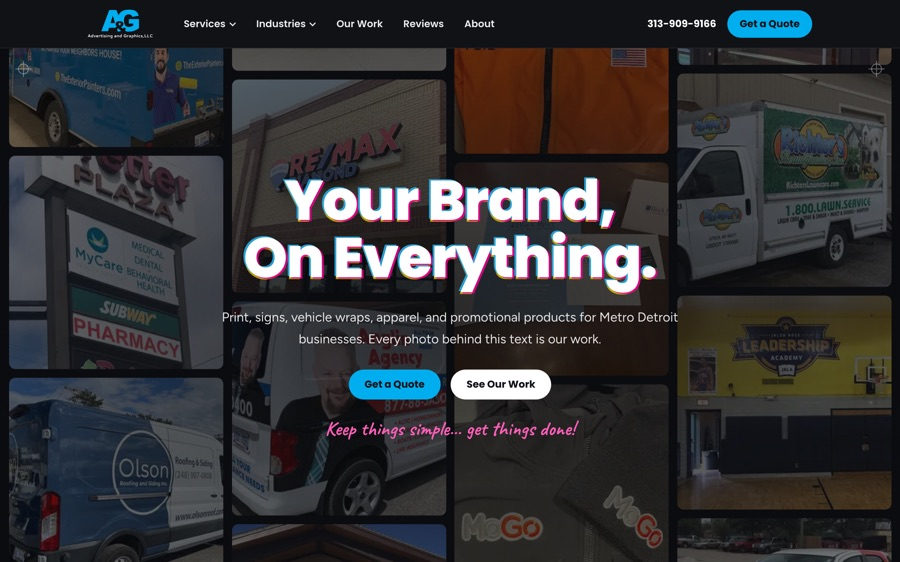 Websites Your public site, built to turn a visitor into a customer.
 -
 Automations Jobs that run on their own in the background, whether you're at a desk or not.
 -
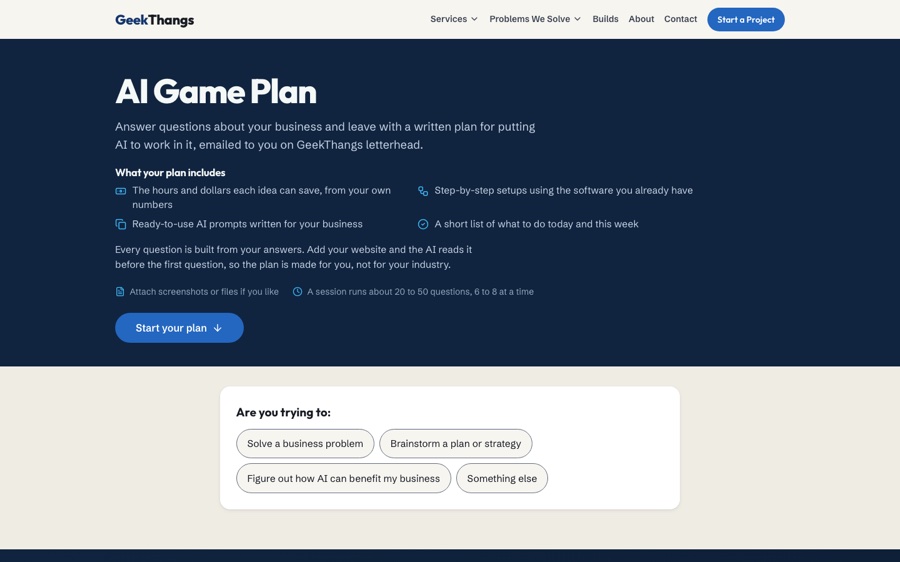 AI A free plan built from your own week, with the hours and dollars each idea saves, and help building the parts you want.
 -
 SEO Work that helps Google show you when someone nearby searches for what you sell.
 -
 Paid Ads Ads that put you in front of people searching right now, while the slower work builds.
 -
 Social Media Your Facebook Page filled in and kept current.
Tell us what the spreadsheet does.
Describe the thing three people are editing and the job it's holding together. We'll tell you whether it needs software or a better spreadsheet.
- Hello@GeekThangs.com
- (586) 500-5205
-
St. Clair Shores, working across Metro Detroit